Read the state
Pause, cancel and resume
Scheduled or running tasks can expose Pause and Cancel controls. A paused continuous task can expose Resume. Resuming a continuous task preserves its original end time. It does not start a new full-length window. Resuming an account also does not automatically resume its task queue. If a one-time task missed its scheduled time, was interrupted or has an expired window, create a fresh proposal. That lets you review the action against the current account state.Timing and authorization
Read the task’s displayed timezone, due time and end time. Its schedule and the book’s Autopilot authorization are separate: a task does not extend an expired permission. Off or Pause suppresses proactive work. A manual Stop or Flatten still requires fresh approval before trading can resume.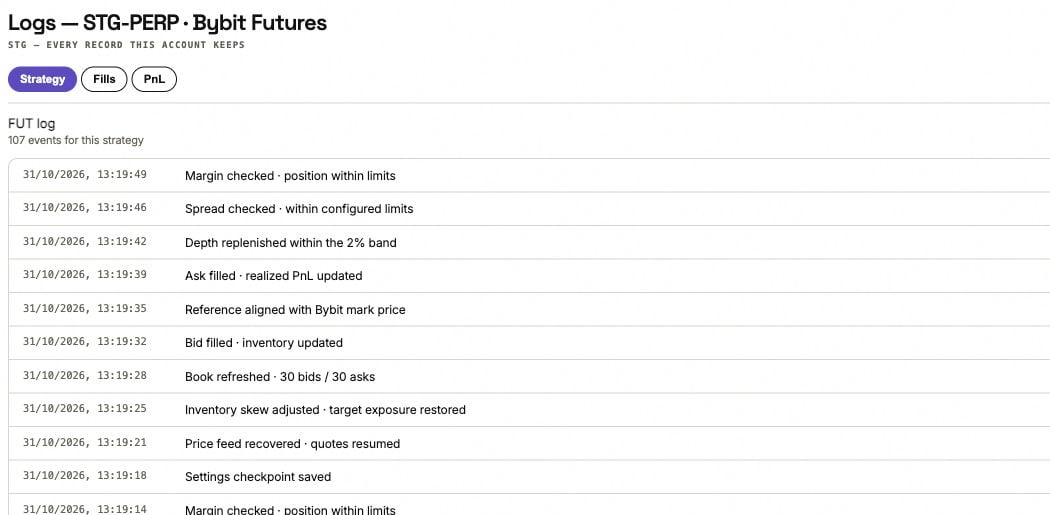
The account's Strategy log is a separate record from Autopilot task history. Events here are demonstration data.