Choose the band and amounts
Depth Support uses levels from the existing MM ladder. For example, with 20 bid levels and 10 assigned to Depth Support, 10 ordinary bid levels remain outside the support allocation.
Why the support orders may be absent
If the Spread bot is quoting wider than the configured Depth Support spread, Depth Support does not place its orders. An allocation also needs enough available funds and orders large enough to meet the market minimum. A target amount is a setting, not a promise that the full amount will always be resting in the book. Fills, balance changes and exchange limits can affect the actual depth.Compare your target with the book
In Monitoring, select the same depth band you are evaluating. Read bid and ask depth separately. Ours is your contribution; the market total includes other participants as well as your orders.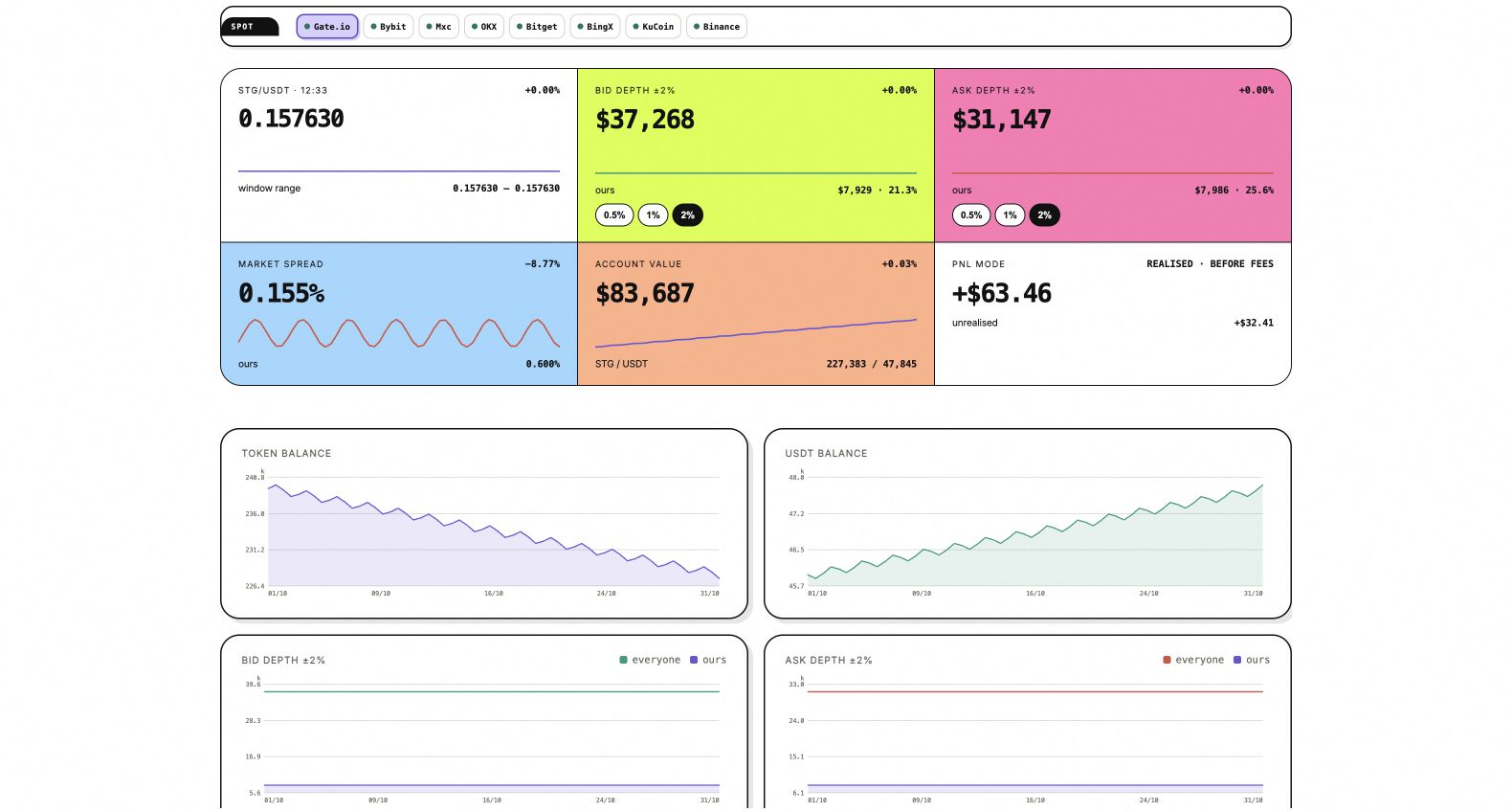
Bid and ask depth are separate. The Ours line shows the amount supplied by your accounts.