Spot bots
Build the order ladder, choose a price source and allocate balances.
Futures bots
Set quotes, position limits, margin and exit behavior.
Autopilot
Ask questions, review proposed changes and set permissions.
Monitoring
Read balances, PnL, depth and spread coverage.
Team and clients
Give each person access to the accounts they work with.
Telegram
Read account status, receive alerts and confirm supported actions.
Bot errors
Find the exact error for MM, Spread, Equaller, Cashout, Futures or Autopilot.
Alerts
Read incidents, notification delays, repeats and delivery schedules.
Find a specific answer
Read the desk
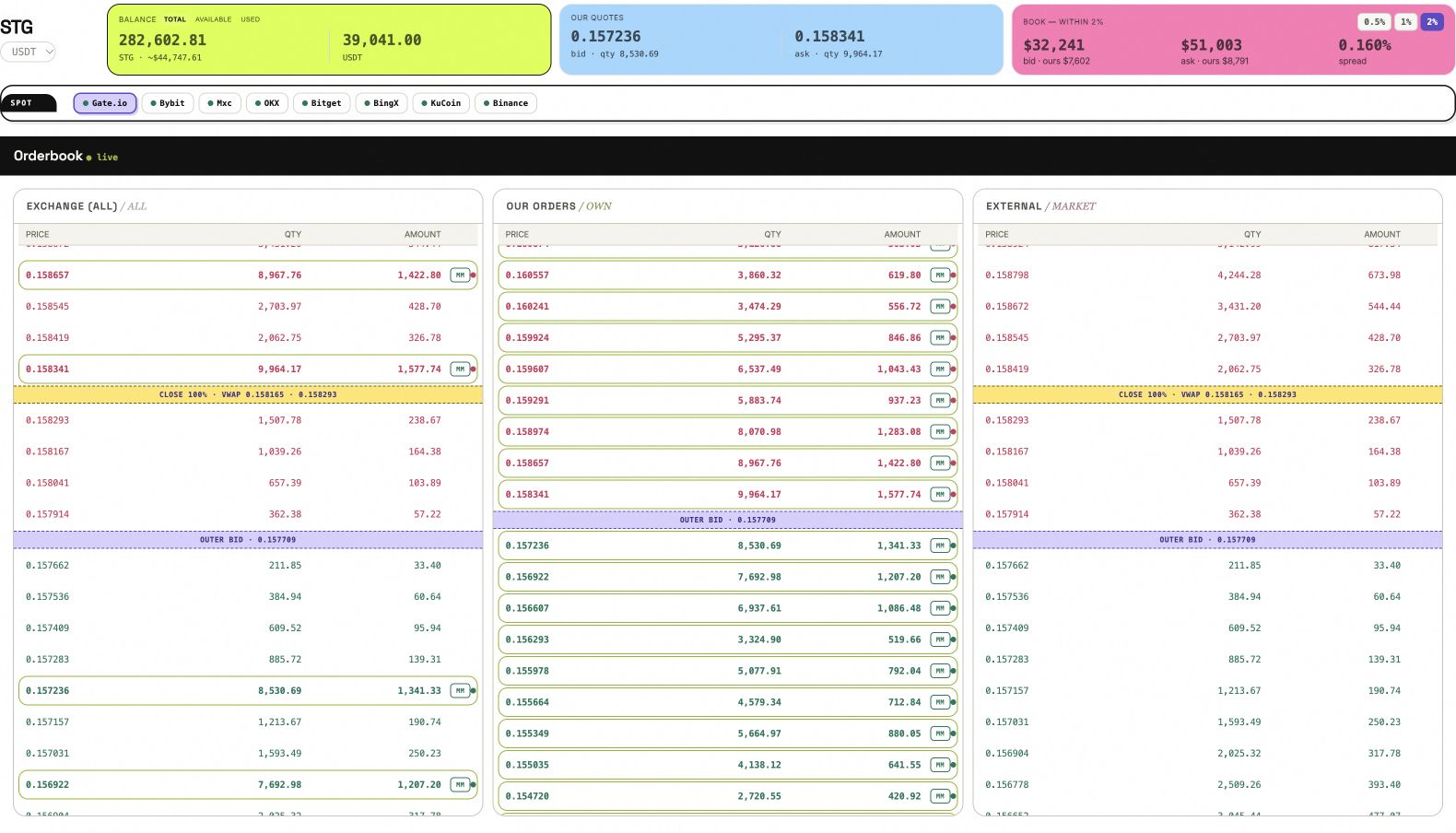
The ANSIO desk with demonstration accounts. Screenshots throughout these guides use sample values.